Notification Bell
A notification history in the navbar that keeps every alert and subscription message in one place, with an unread dot so nothing is missed.
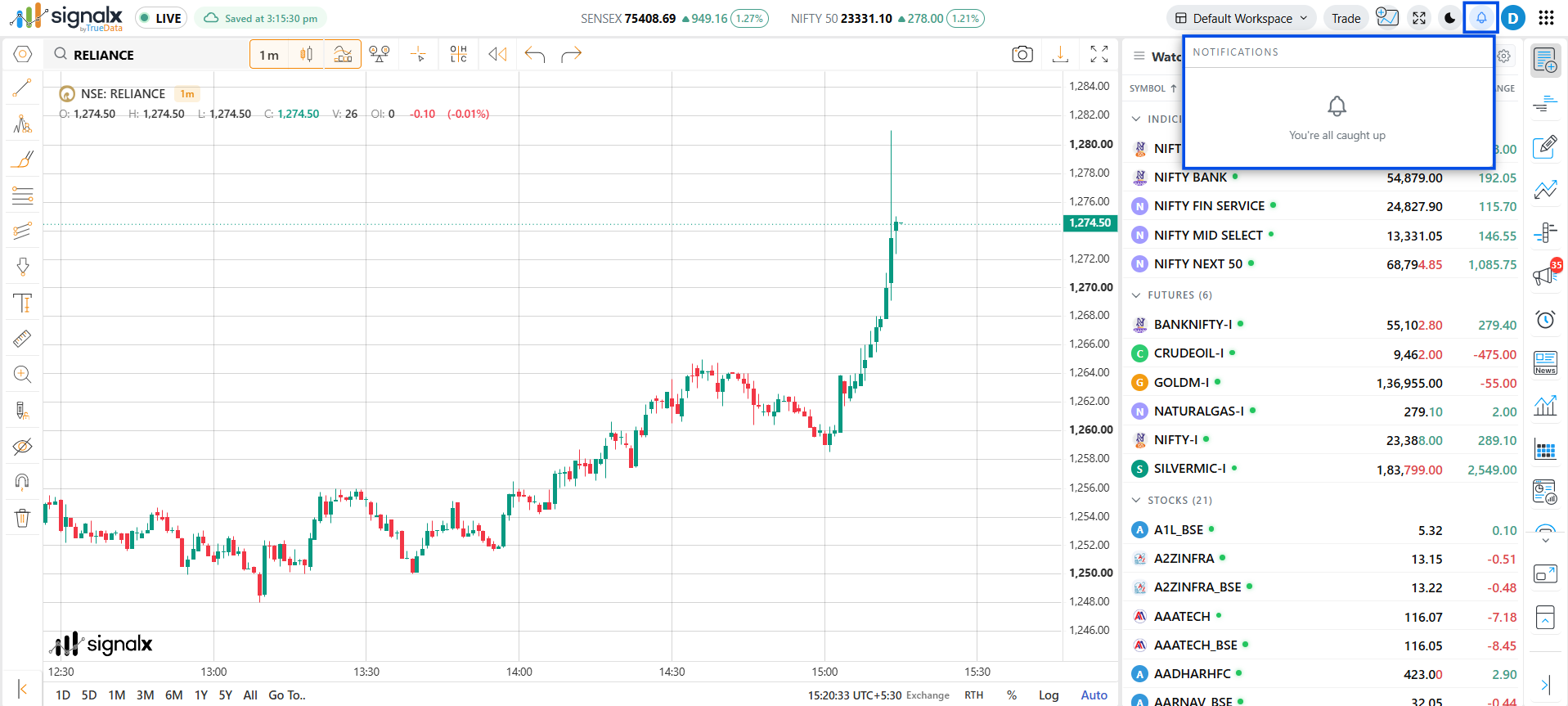
Using the Notification Bell
1
Look for the unread dot
The bell icon in the navbar shows a dot whenever there are notifications you haven't opened yet.
2
Click the bell to open your history
The panel lists your past notifications, so you can catch up on anything that fired while you were away from the screen.
3
Clear when you're done
Use Clear All to empty the list once you've reviewed everything.
What You Get
Notification history
Past notifications stay available in the navbar instead of disappearing after they pop up.
Unread indicator
A dot on the bell tells you at a glance that something new is waiting.
Subscription details
See your subscription status in the panel, with Renew and Upgrade buttons right there when you need them.
Clear All
Remove every notification in one click to start fresh.
Check the bell before market open - if a subscription notice is waiting, you can renew or upgrade straight from the panel instead of finding out mid-session.