Market News
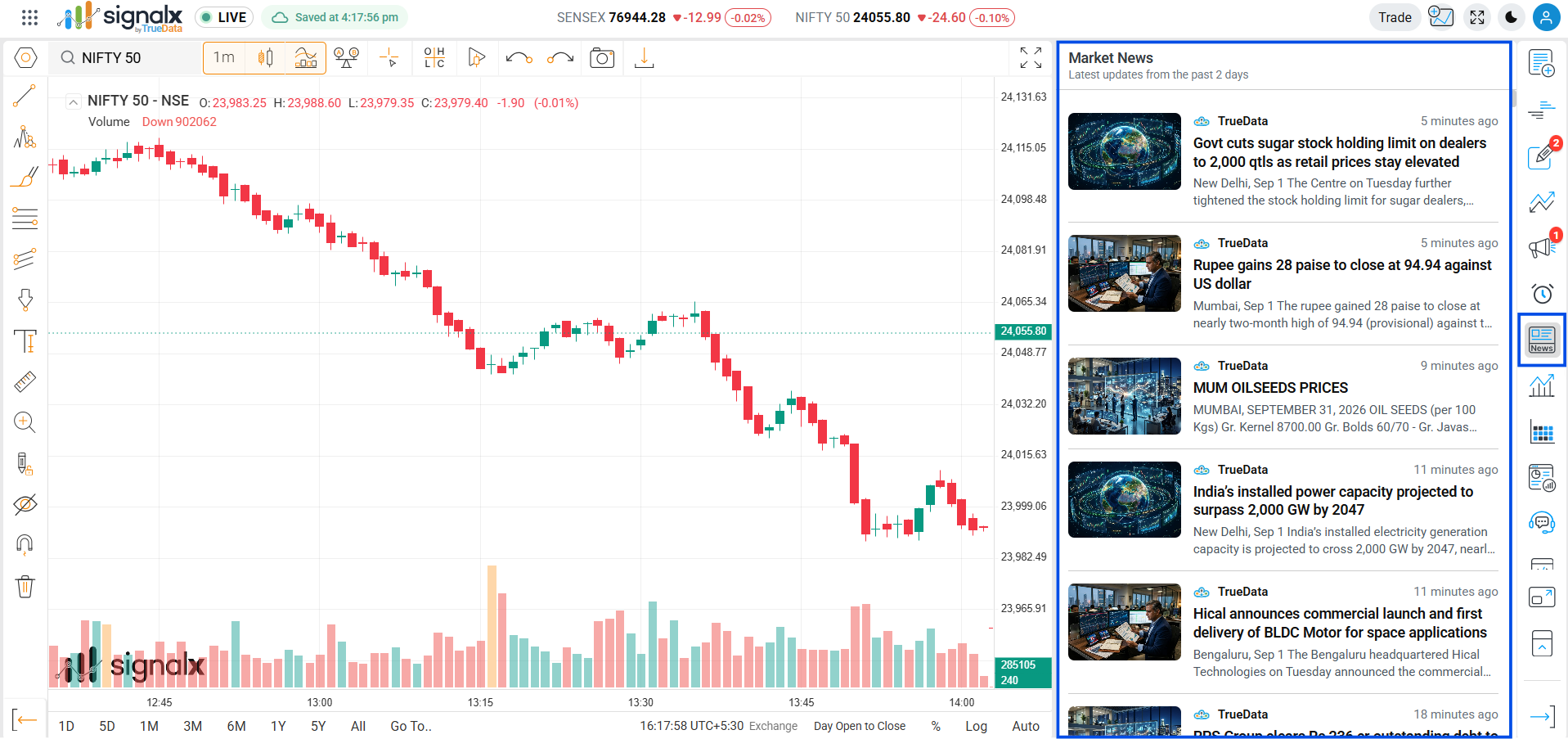
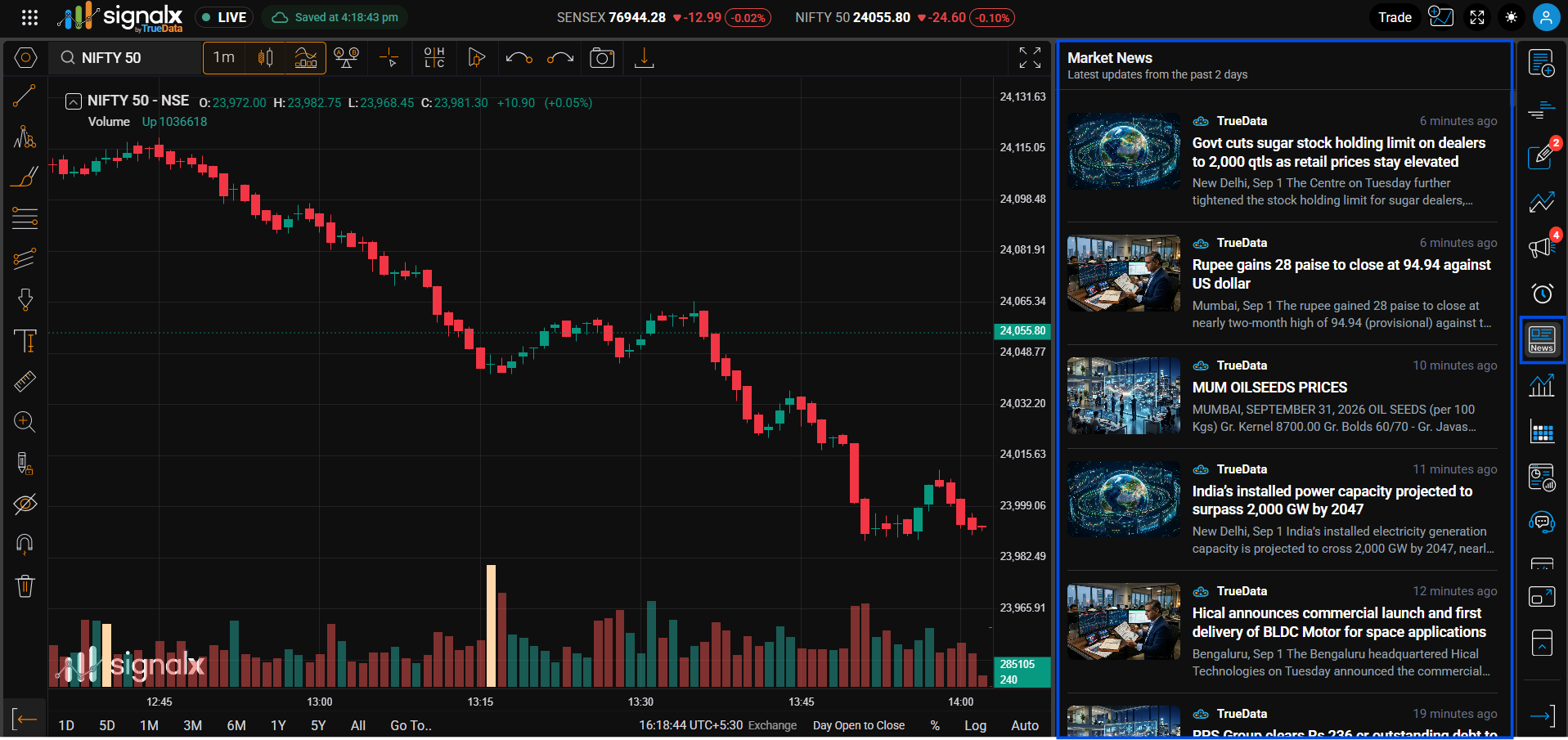
A live, real-time news feed of market headlines - streams straight into the right panel without leaving your chart.
Reading a News Entry
Every headline in the feed follows the same layout.
Thumbnail
A representative image accompanies each story, helping you scan the feed visually.
Source & timestamp
The source (e.g. TrueData) is shown with a small badge icon, alongside a relative timestamp like "8 minutes ago" that updates as time passes.
Headline
The most recent headline at the top of the feed is highlighted in blue; older entries are shown in bold black once you've scrolled past the latest.
Summary snippet
A truncated preview of the story's opening lines is shown beneath the headline, cut off with "…".
Using Market News
Keep the Market News panel open in the background during market hours - since it streams automatically, you'll catch breaking headlines the moment they hit without needing to check back.