Corporate Announcements
Live exchange filings from NSE and BSE streamed in real time as companies submit. Stay informed of board meetings, results, dividends, splits, and regulatory developments without leaving SignalX.
Live Exchange Filings
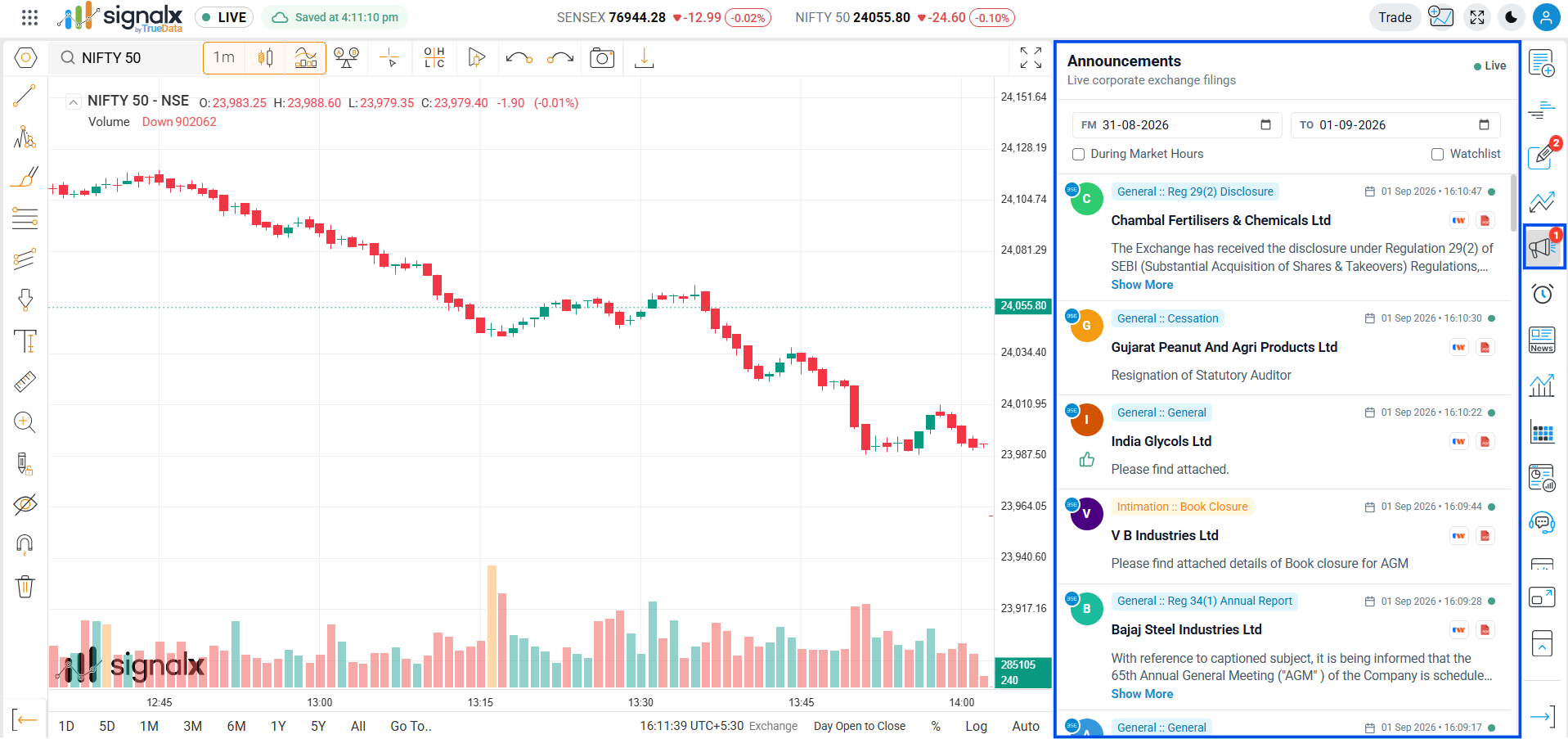
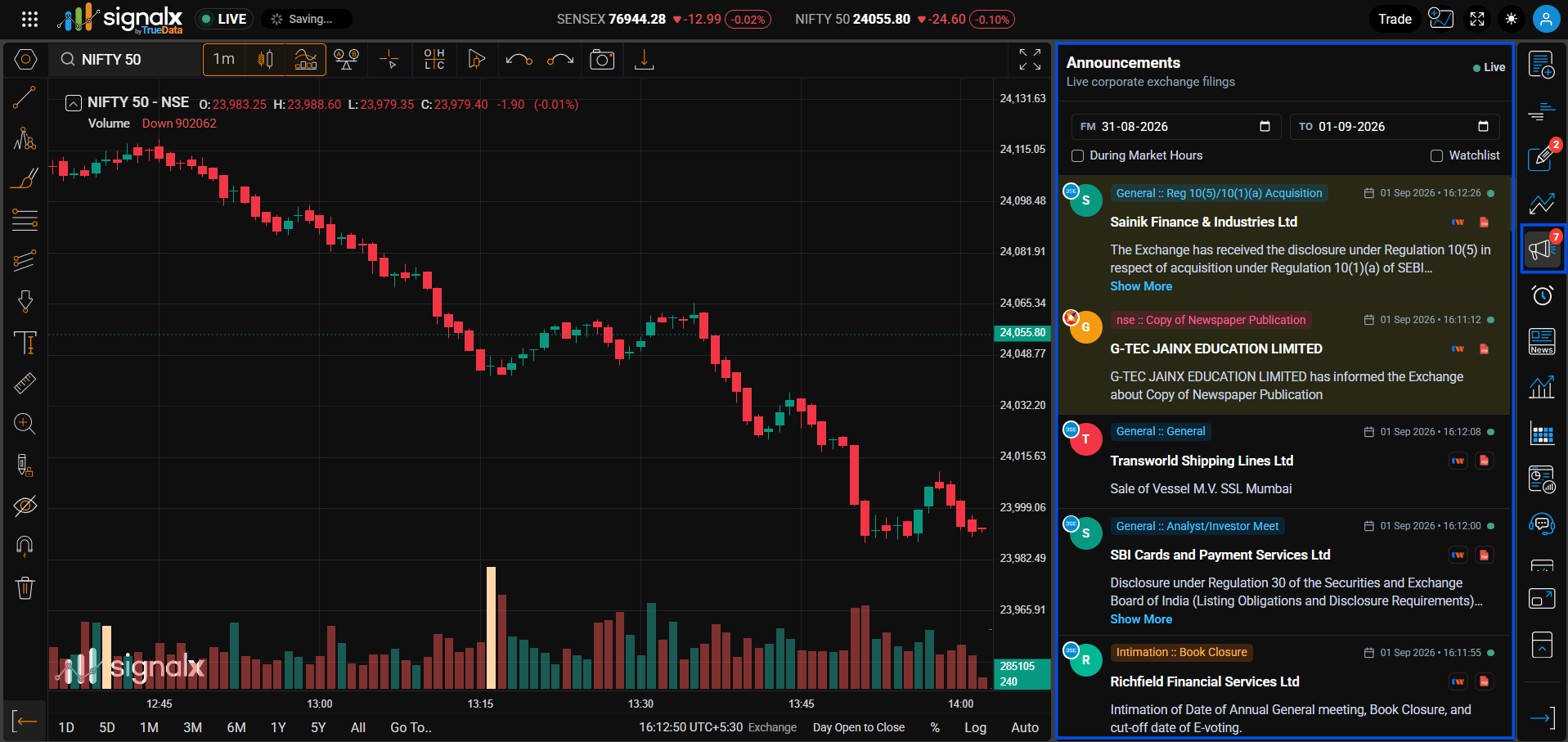
Each filing entry shows a colored company-initial avatar (badged with its listing exchange), a category :: sub-category tag, the company name, a short summary of the filing (with a "Show More" link when it's truncated), and the filing date and timestamp. Entries appear in reverse-chronological order and auto-refresh throughout the trading day, with a live status dot on each entry.
Company avatar & exchange badge
A colored circle with the company's first initial identifies each filer at a glance, with a small exchange badge (e.g. "BSE") pinned to it showing where the filing originated.
Category :: Sub-category tag
A pill label showing the exchange's own classification, e.g. "General :: Newspaper Publication" or "Outcome :: Outcome w/o Intimation" - the broad category and specific sub-type in one tag.
Date, time & live status dot
Every entry shows the filing date and exact timestamp next to a calendar icon, plus a small green dot indicating the entry is live and current.
Reaction indicator
Select announcements display a small thumbs-up icon beneath the summary, flagging filings the community or system has marked as noteworthy.
Filters
Narrow the feed using the controls at the top of the panel
Date Range
Use the FM (from) and TO date pickers to view announcements filed within a specific window, spanning single days or multi-day ranges.
Checkbox Filters
- During Market Hours - show only filings submitted while the exchange is open
- Watchlist - restrict the feed to companies already in your watchlist
Typical Filing Types You'll See
Announcements are exchange-classified, not filterable by these types individually - shown here as a reference for what appears in the feed.
Quarterly Results
Standalone and consolidated financial results for Q1–Q4.
Dividends
Board-approved dividends with per-share amount, ex-date and record date.
Board Meetings
Upcoming board meetings with agenda - results, dividends, fund-raise.
Bonus Issues
Bonus share issuance ratio, ex-date and record date.
Stock Splits
Split ratios, new face values, ex-date and record date.
Regulatory Filings
USFDA, SEBI, MCA, RBI notices and compliance filings.
AGM / EGM
Annual and Extraordinary General Meeting notices.
Mergers & Acquisitions
Scheme of arrangement, demerger, amalgamation filings.
Announcement Attachments
Viewing the Filed Documents
Each announcement carries two action icons beside its timestamp: a preview icon to view the filing summary inline, and a PDF icon to open the official exchange-published document. Click either to instantly open the filing in a new tab.
Enable the Watchlist filter before earnings season to focus the feed on just your holdings - you'll spot a results filing the moment it hits the exchange, giving you time to act before the crowd reacts.